
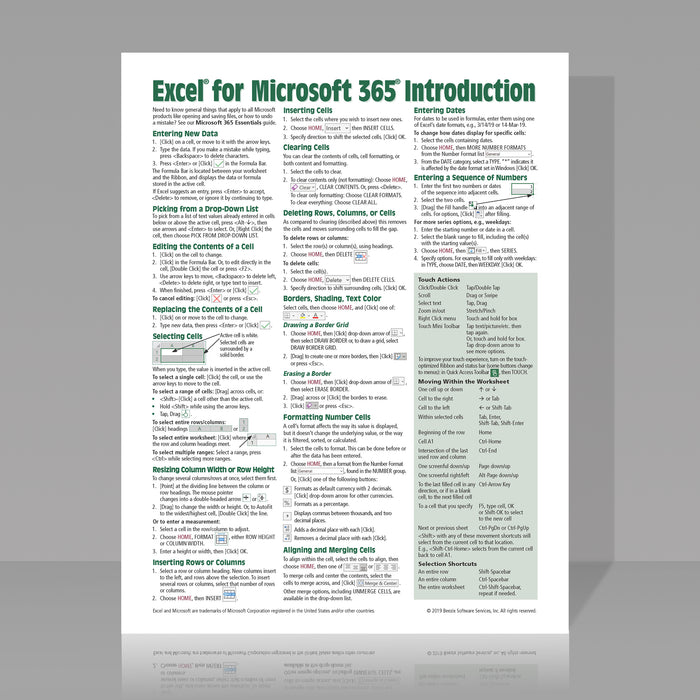

Excel for Microsoft 365 Introduction Quick Reference
Original price
$4.79
-
Original price
$7.99
Original price
$4.79
$4.79
-
$7.99
Current price
$4.79
ISBN: 978-1-944684-78-5
Quantity Discount
We offer quantity discounts at 50, 100, and 500+ .
Please email: orders@beezix.com
Learn the essentials of Microsoft Excel for Microsoft 365 (Windows version) with this easy-to-follow, 4-page laminated quick reference guide. Whether you're new to Excel or need a handy desktop reference, this guide provides clear, step-by-step instructions, keyboard shortcuts, and practical tips to help you work more efficiently and confidently.
Topics include:
- Entering and editing data
- Using AutoComplete and picking from drop-down lists
- Selecting cells, rows, and columns
- Resizing columns and rows
- Inserting and deleting rows, columns, and cells
- Clearing cell contents and formatting
- Applying borders, shading, and font colors
- Formatting numbers, currency, percentages, and dates
- Aligning, wrapping, and merging cells
- Entering dates and creating number sequences
- Creating formulas and using functions
- Quickly inserting SUM and other common functions
- Understanding absolute and relative cell references
- Copying and moving data using Cut, Copy, Paste, Fill Handle, and drag-and-drop
Working with worksheets:
- Renaming worksheets
- Moving and copying worksheets
- Selecting multiple worksheets
- Inserting and deleting worksheets
- Editing multiple worksheets simultaneously
Printing and page layout:
- Print Preview and Page Setup
- Scaling worksheets to fit the page
- Printing selected areas
- Adjusting page breaks with Page Break Preview
- Repeating rows and columns on every printed page
Also includes:
- Touch gestures for Excel
- Frequently used keyboard shortcuts
- Cell navigation and selection shortcuts
Perfect for students, educators, office professionals, and anyone who wants a fast, convenient reference for Microsoft Excel 365. Keep this guide at your desk for quick answers while working in Excel.